|
Relief Shifts |
  
|
|
Relief Shifts |
|
If Employees are at a job site and become ill, obtain am injury or are due to go overtime we must "Relieve" them. Go to the Employees "Calendar" in "Contact Maintenance" (see Contact Maintenance).
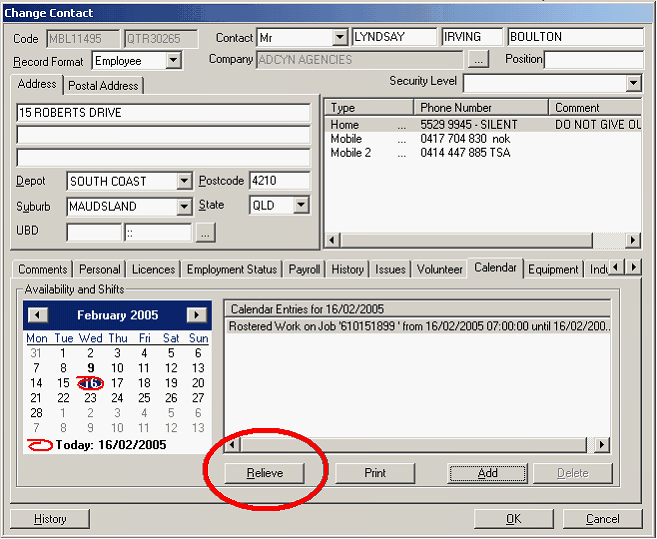
Left hand click once on the "Relieve" button circled above in red.
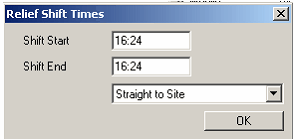
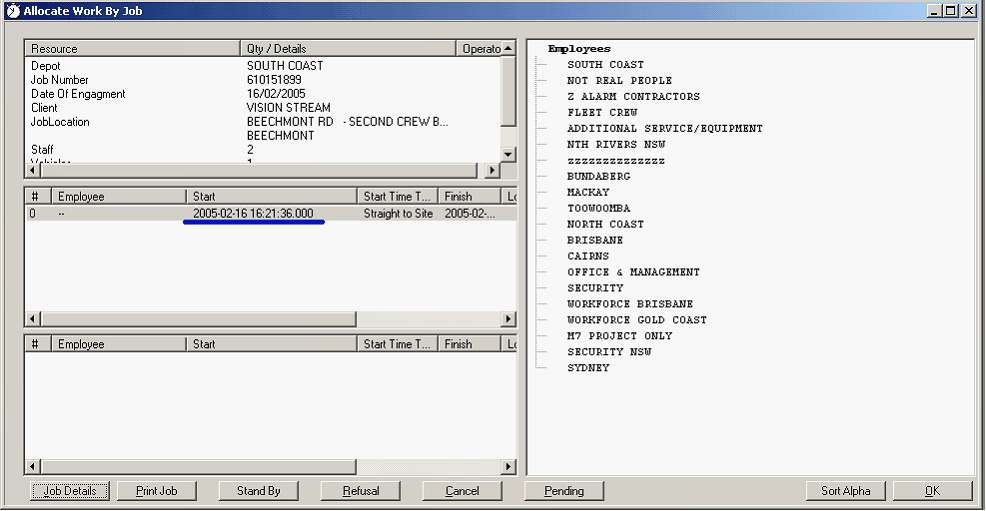
You must then enter Shift Start & Shift End times and the type of shift you are filling's status. If you are relieving a Ute Driver you must send a Ute Driver to Relieve etc. Once these details are entered the below screen will appear and the "Roster By Job" (see "Roster By Job").