|
Return Equipment |
  
|
|
Return Equipment |
|
Go to:
Click "RETURN" located at the top of the control panel
Click "FIND" to find the name of the person or venue you want to return equipment or scan the employee ID card
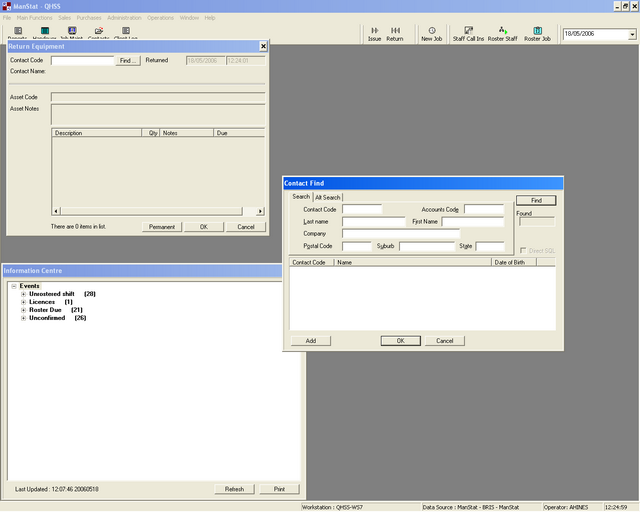
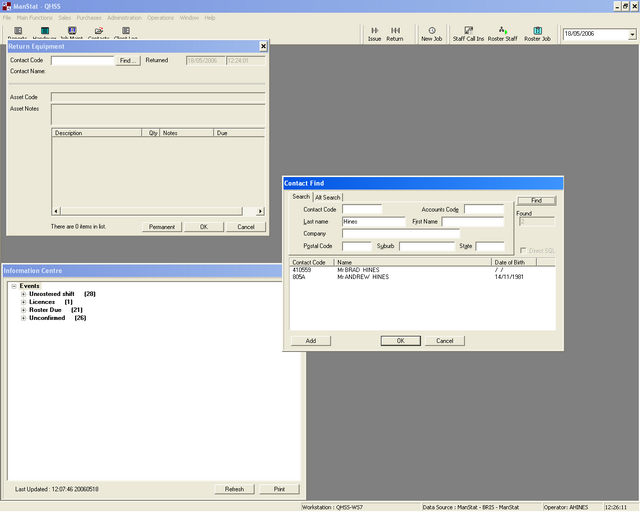
Input the name of the company or employee you wish to return equipment for
Click on the name
Click "OK"
A list of all equipment issued to the employee will appear
Double click on the equipment you want to return
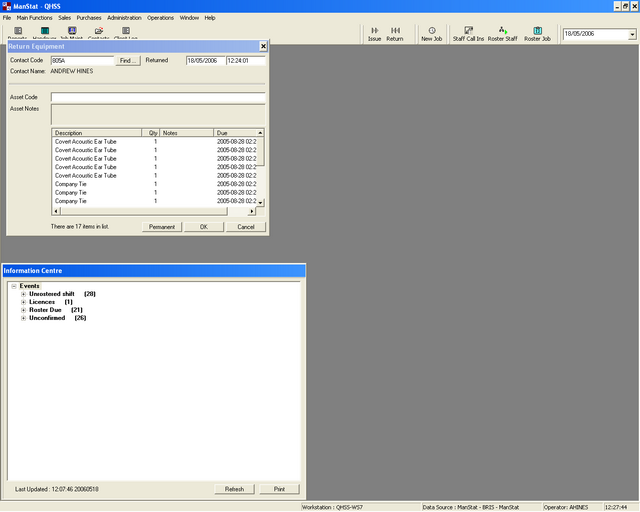
Once all equipment has been returned click "OK"