|
Issue Equipment |
  
|
|
Issue Equipment |
|
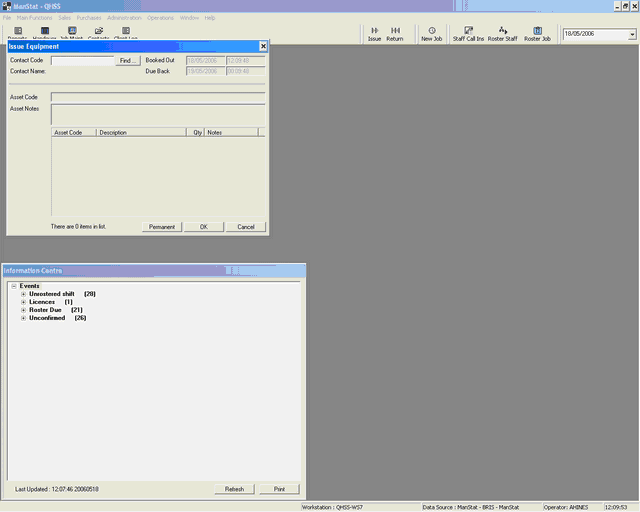
Go to:
| · | "ISSUE" located at the top of the control panel |
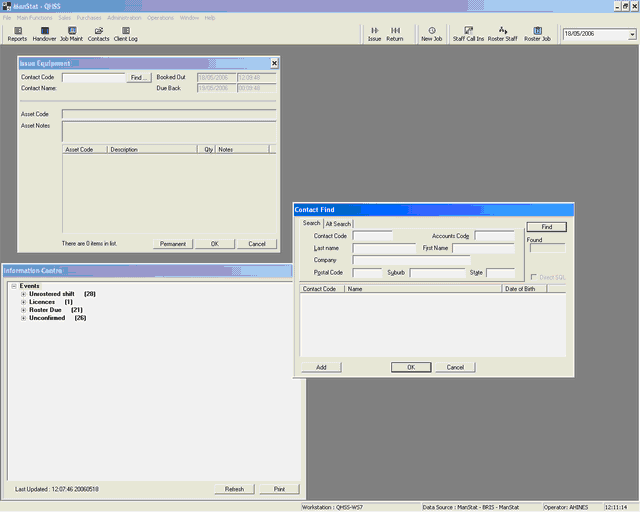
| · | In the new window click on "FIND" |
| · | This will allow you to input the client or employee you are issuing equipment to |
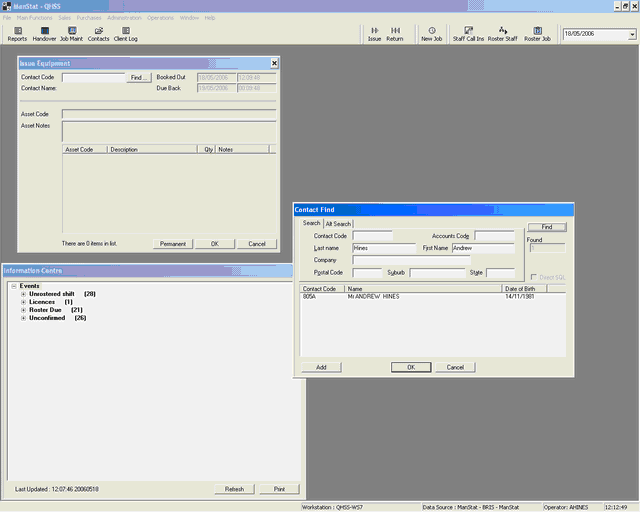
| · | Type in the clients or employees name |
| · | Click on the name you are after and then click "OK" |
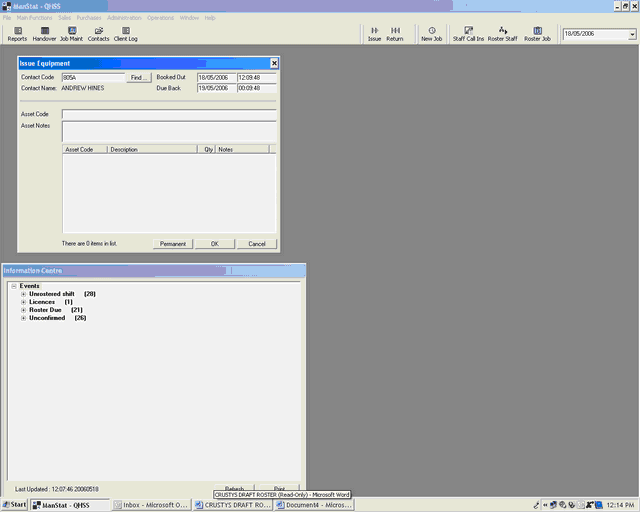
| · | Input the asset code for the equipment you are issuing |
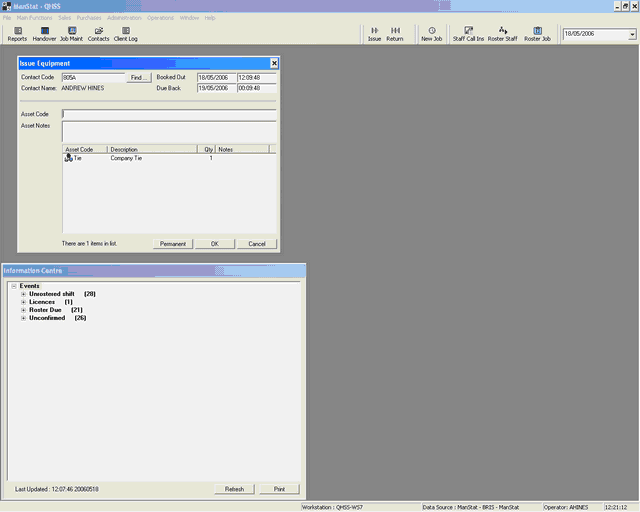
| · | Input the asset code and press "OK" |
| · | The equipment issued will appear with a coloured triangle |
| · | Click "PERMANENT" |