|
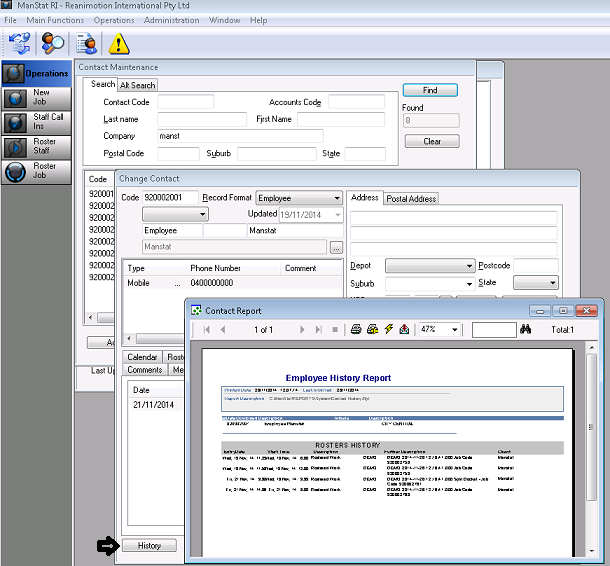
History Button/Tab |
  
|
|
History Button/Tab |
|
Using the History button and tab in Contact Maintenance is useful to view past invoices and changes made for clients and timesheets and job allocation for employees.
1. Search for desired client and select the History tab in their card. All previous invoices will appear. To look at the invoice/s, right click on the invoice line and select Print.
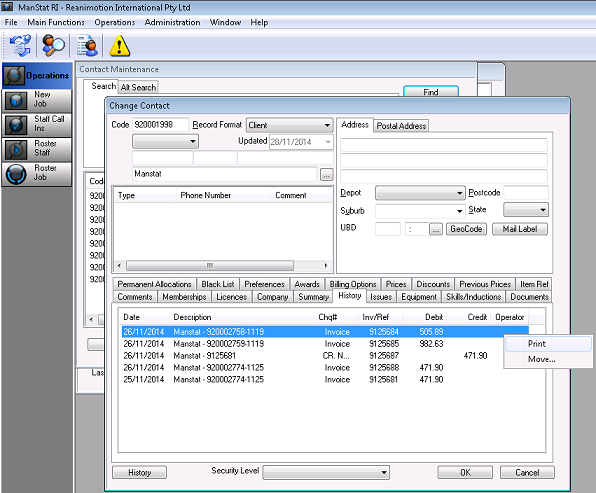
2. To see any changes made to client, select the History button located on the bottom left hand corner of their card. A history of changes made to said client will appear.
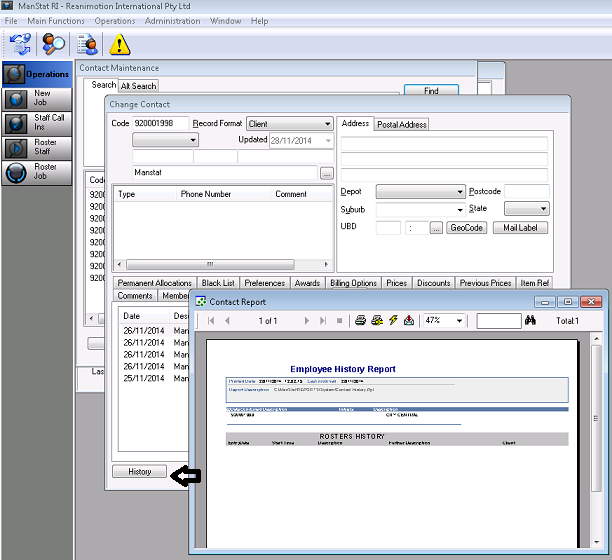
It is the same for employees.
1. In Contact Maintenance, search for desired employee and select the History tab. All previously created timesheets will appear. To view, right click on desired timesheet and select Print.
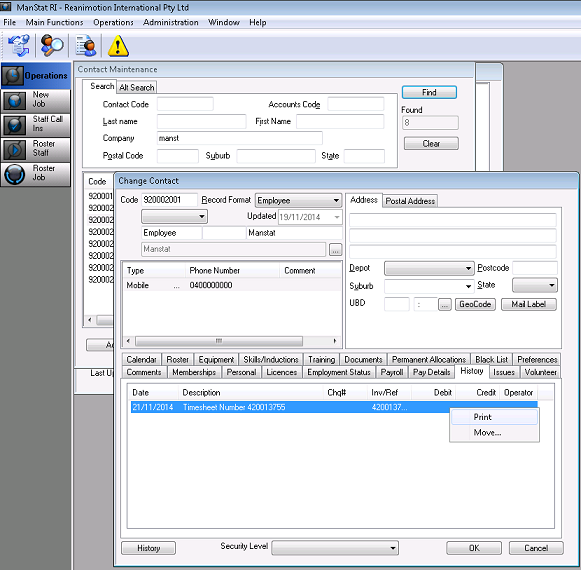
The timesheet will appear as shown below.

2. For a history of any changes made to the employee or their rostering history, select the History button located on the bottom left of their card. A history report will appear as shown below.