|
Delete a Contact |
  
|
|
Delete a Contact |
|
1. Find desired contact for deletion by clicking on 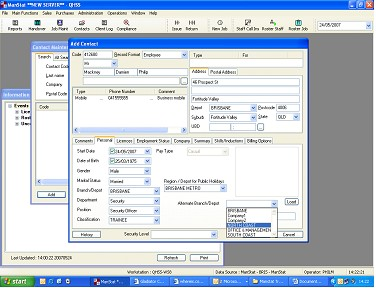 or going to Main Functions, Contact Maintenance. The below screen will appear. .
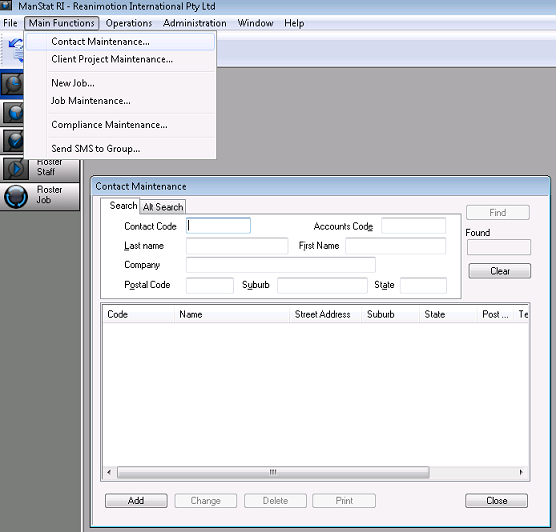
2. Find and double click on the contact to open up their record.
3.Delete their contact numbers by right clicking over the numbers individually and selecting delete.
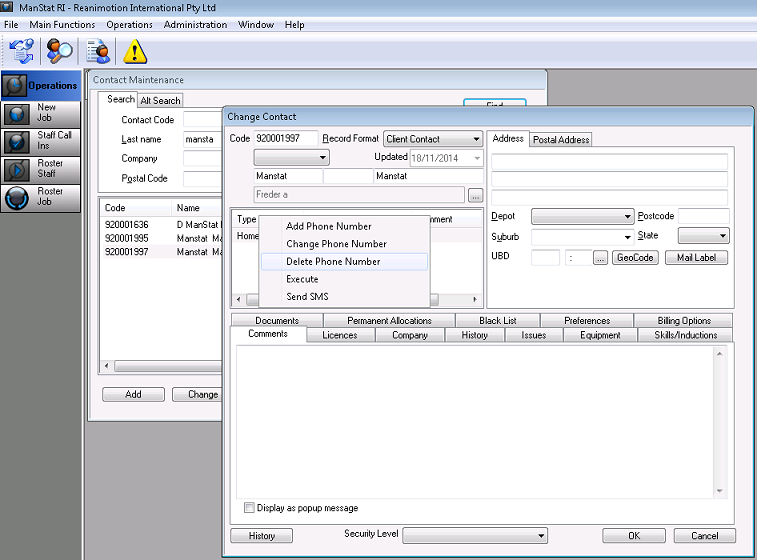
4. Another pop up screen will appear confirming your choice, click on delete.

The number will now be deleted.
5. Click on OK.
6. Back in the Contact Maintenance screen, highlight the contact and select Delete
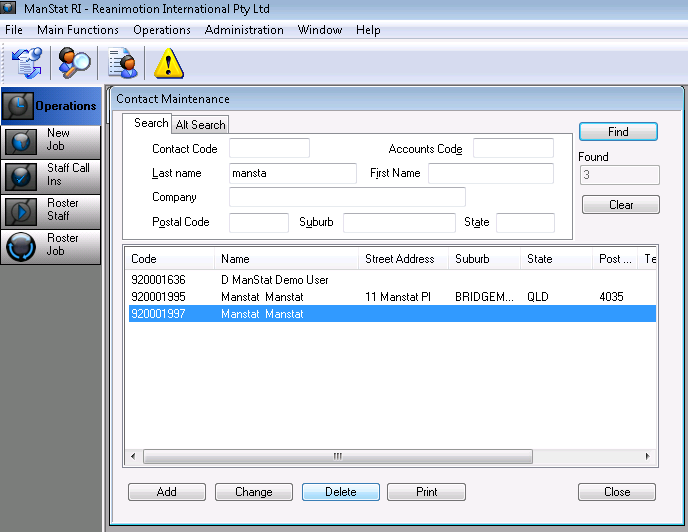
The following screen will appear
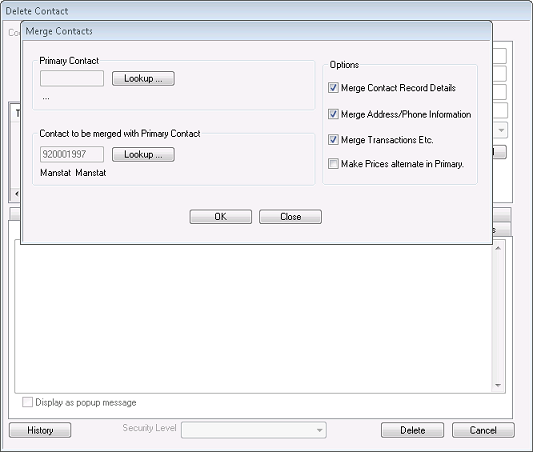
Unless you want to merge the contact with another contact in ManStat with the same details as the one being deleted, select the Close option. (see Merge Contact Screen for more information).
7. Select the Delete button on the Delete Contact screen and the following pop up will appear
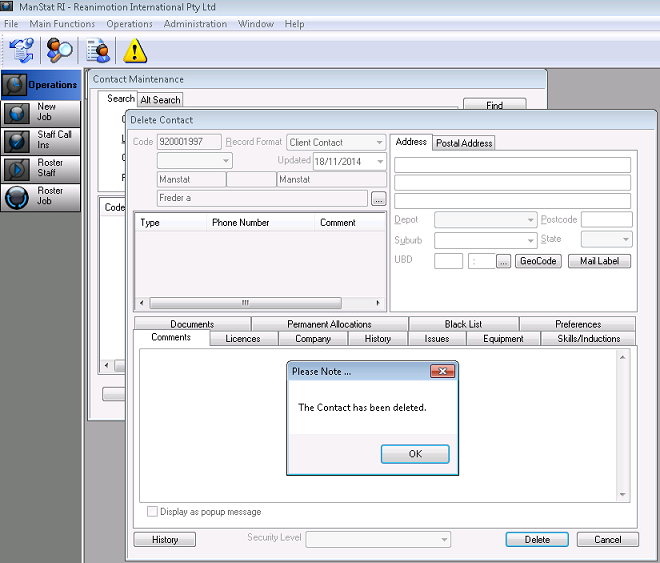
8. Select OK. The contact is now deleted.