|
Terminating an Employee |
  
|
|
Terminating an Employee |
|
1. Click on Contact Maintenance.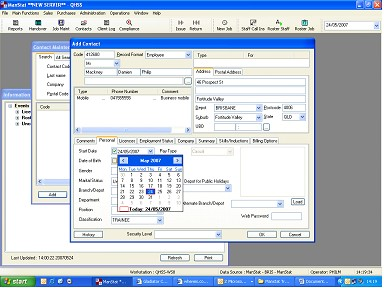
2. Find employee through desired search criteria and open their record.
3. Select the Employment Status tab
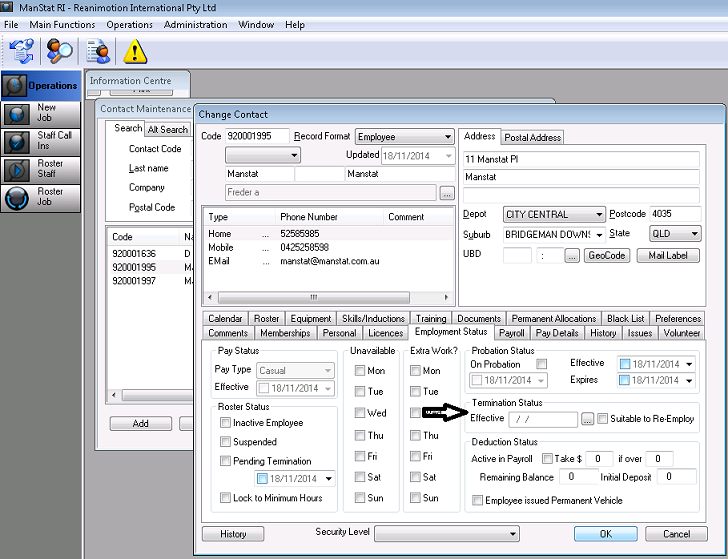
4. In Termination Status (as indicated above), click on the Lookup  button (if suitable to Re-Employ, tick box).
The employee is now terminated in ManStat.
ManStat will allow a period of two weeks for payroll to use the particular employees’ details if needed.
If the employee is hired again simply click on the Lookup button again to reinstate.