|
Overriding Exported Dockets for Payroll/Invoicing |
  
|
|
Overriding Exported Dockets for Payroll/Invoicing |
|
If an error is found while checking invoices against dockets, this can be corrected by the authorised accounts person.
1. By going into Administration, Verify Job Docket, entering in the specific docket you want changed and clicking yes when the pop up box with the question “Do you want to override this job docket?” comes up, they can override the respective verified job docket
2. Make the changes you want and click Save.
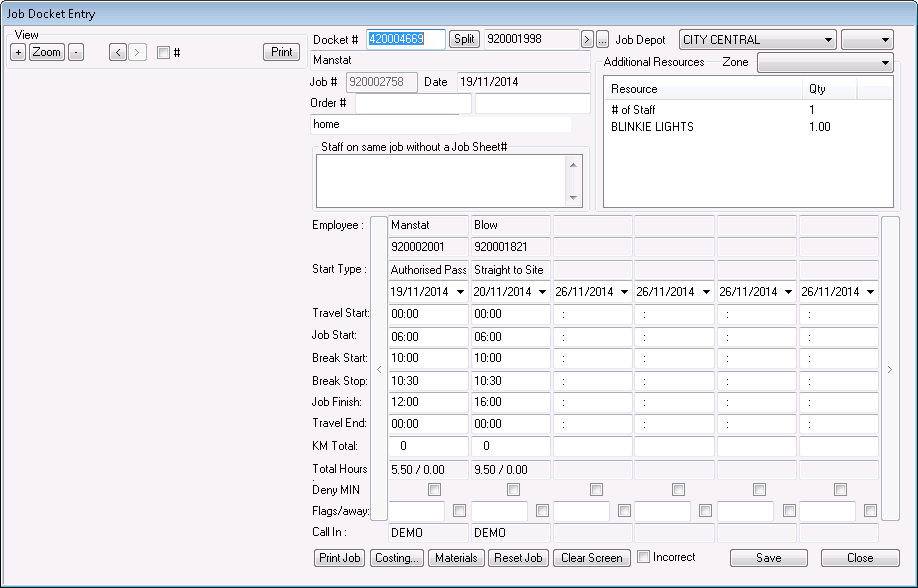
Invoices here can then be changed manually, (refer to instructions in Chapter 11 - Changing an Invoice) or for correct hour and cost reporting, a credit and recharge can be made to that particular invoice, see (refer to Chapter 11 Credit Note From System Invoice)
Overriding a docket will automatically correct the error in Payroll.