|
Calendar Tab |
  
|
|
Calendar Tab |
|
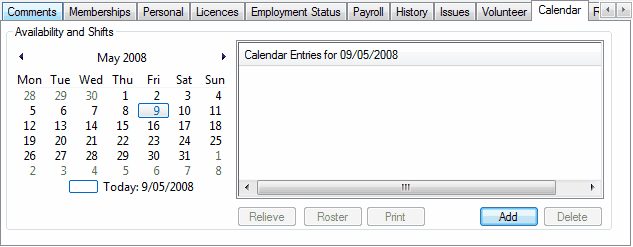
When clicking once on the tab named "Calendar - circled in green", this is where you will find details on holidays and sick days and unavailability. In the blue circle is a small calendar. The dates in bold are days that something is happening. These are the days in which a Employee has worked or the days they are unavailable. If a Employee does not come up in the list to roster, this is your point of call to see what the issue may be. If a Employee has put in for holidays or sick leave and it is approved, that person will not come up in the list to roster. Also check for any hint that rostering the employee may be going against that state's EBA, eg, rostering perm staff over 40 hours without an "Additional Shift Form" (Qld only), or trying to roster a employee into 6 days straight, or trying to roster a employee when they have not had 2 days in a row break etc. (this varies from state to state – however ManStat has all EBA's programmed in for each state.