|
Receiving Goods |
  
|
|
Receiving Goods |
|
1. Go to Administration, Purchases, Goods Received
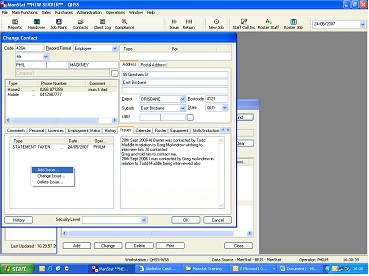
2. Before selecting Contact Maintenance Icon  and find clients Contact Code (refer to Chapter 3.6 Find and Update Contact Details)
3. on selecting the menu item the following box will appear
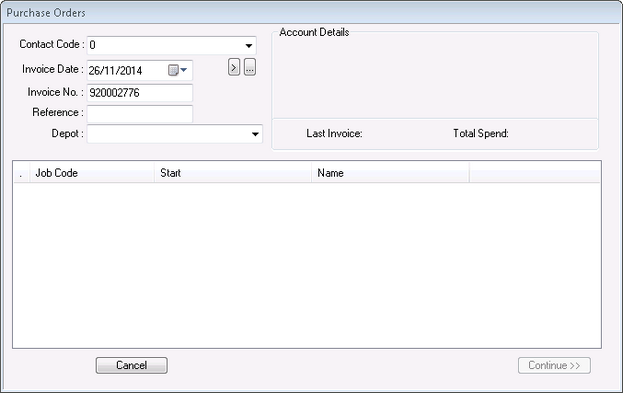
4. Select the client contact code in the drop down box
The Invoice date will automatically be generated by ManStat.
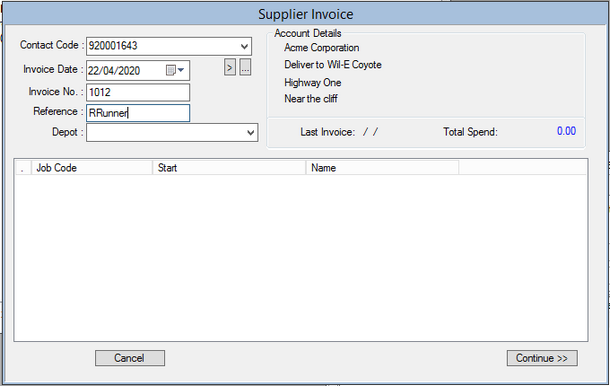
5. Enter in desired Invoice #, Reference and Depot. Select Continue and the following box will appear
6. Find the codes of what you want to receive in by going to Reports  , Master Setup, click on cross next to Product Resource & Cost Centre Links and OK
7. Enter in the codes desired under the Product heading in the screen and tab to get the Description and pricing. Enter the desired Qty.
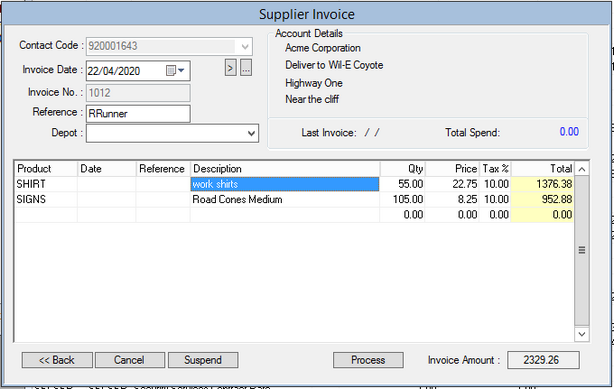
8. Once complete, select the Process button