|
Finding a Job |
  
|
|
Finding a Job |
|

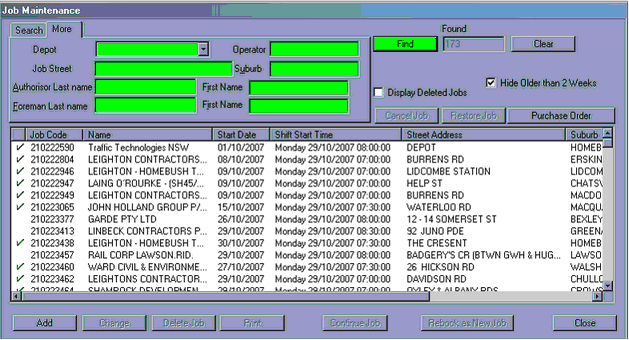
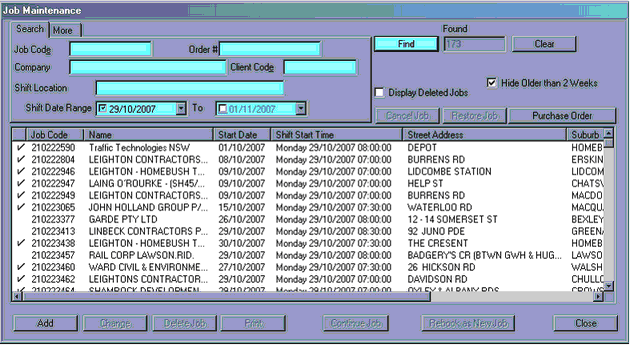
Press the "Job Maintenance" icon and the below screen will appear.
Use the different fields to search for jobs. Job Maintenance holds records of all jobs booked. Un-ticking the "Hide Older than 2 Weeks" will allow you to see historical data older than 2 weeks ago.
NB – typing "%" at the start of the fields will allow the search to see jobs that has what is typed in anywhere in the field.
"Search" Tab – search with job code, order #, company name, client code, shift location and date ranges. After the relevant information is entered – press "Find"
"More" Tab – search with depot, operator (who booked the job), suburb, authorisers first and last name, foreman's first and last name