|
Configure System |
  
|
|
Configure System |
|
The ManStat configuration window allows you to define certain default settings for the ManStat system. In particular, these include regional settings.
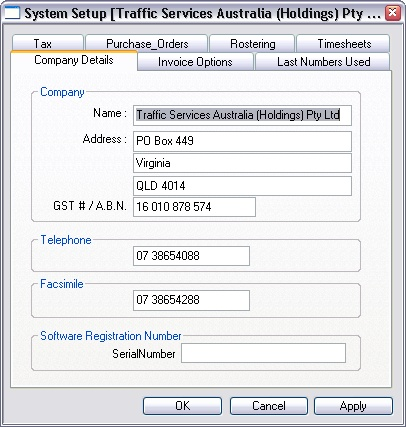
You should specify the country, currency, language and date format that are used in your locale. When you logon to ManStat, it will check that the date format specified in the regional setting section of the windows control panel match the date format that you have specified in this window. If there is a difference in the formats, then you will be notified of this difference. This process helps to ensure that when running ManStat on a network with multiple users, that each machine is configured in the same way. This helps to prevent confusion that might be caused if for example, an operator were to enter a date range for a report in the wrong format.