|
Job Creation Date & Time |
  
|
|
Job Creation Date & Time |
|
There are several ways to find the date and time a job was created in ManStat:
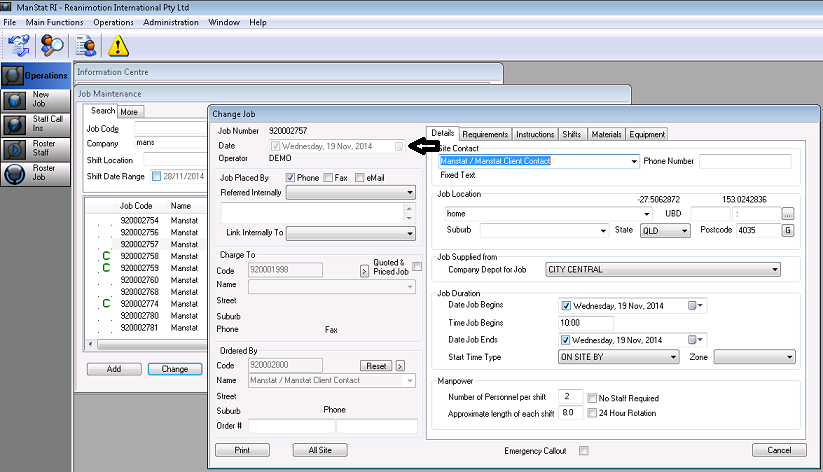
1. Highlighting the job in Job Maintenance and selecting the Change button, will give you the date the job was created but no time in the top left hand corner of the Change Job screen.
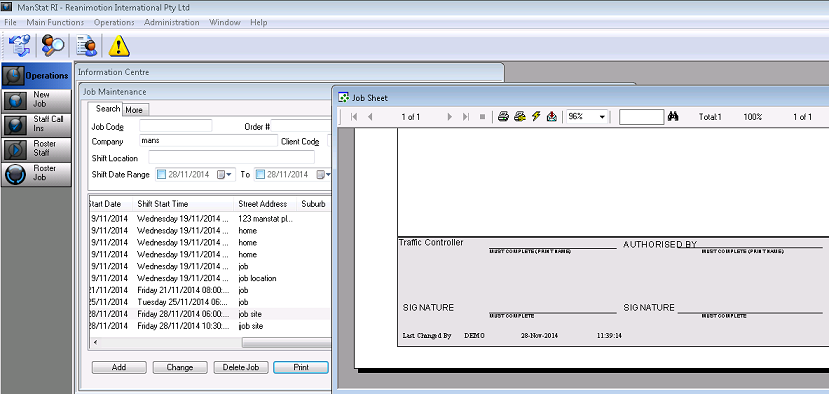
2. Still in Job Maintenance and selecting the Print button will give you the docket for the job on which will show you the ‘last changed’ date, time and operator (this does not necessarily mean that the job was changed, it could still be the date and time it was created).
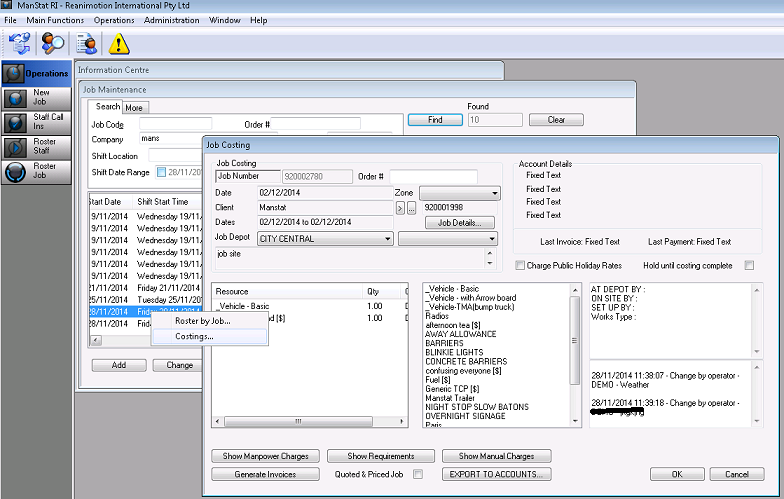
3. To show you if the job was changed after being created, still in Job Maintenance, right click on the job and select Costings and then select the Show Requirements button. The bottom right hand corner white box will be blank if the job was NOT changed but it will have a date and time and operator name if the job was edited