|
Information Centre |
  
|
|
Information Centre |
|
The "Information Centre" is a quick glance look at progress of the rostering and other important operations functions. The screen looks like the below picture and is displayed automatically when you log into ManStat.
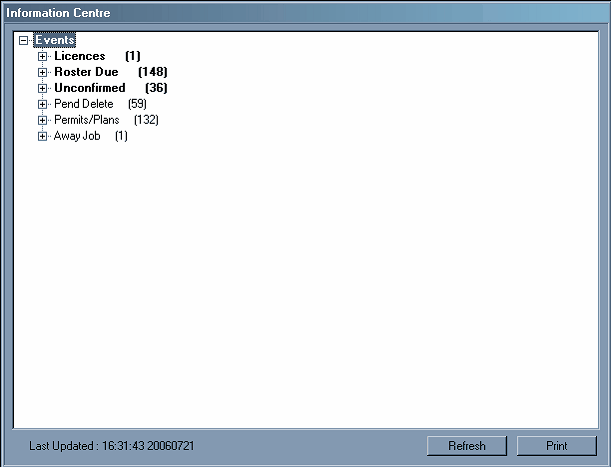
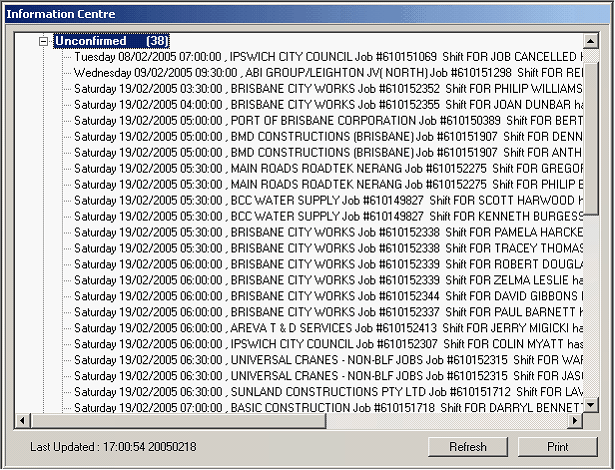
"Roster Due" is the jobs not yet assigned or not pended. Use this to allocate or Pend Employees to specific shifts. To use this just left hand click the small plus sign in the top left hand corner and a list of shifts will appear, as below.
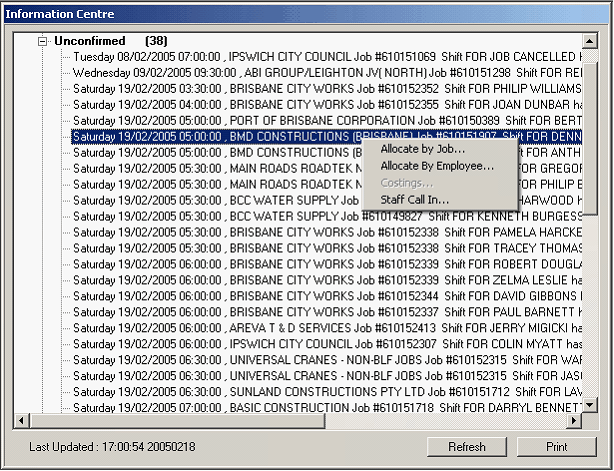
Right hand click on the shift you want to allocate or pend by "Allocate by Job" (see "Roster By Job"), "Allocate By Employee" (see "Roster By Employee") or "Staff Call In" (see Staff Call In's) and left hand click the preferred process.