|
Client Contact Maintenance |
  
|
|
Client Contact Maintenance |
|
If the company exists, you may need to attach a new contact to the company. To do this follow below.
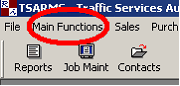
Left-hand click "Main Functions"
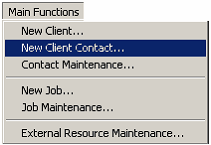
A drop menu will appear. Left-hand click on "New Client Contact".
The screen below will appear.
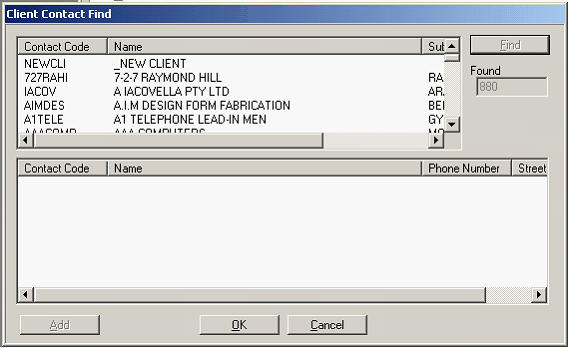
From this list you will need to scroll down the list to find the company name.
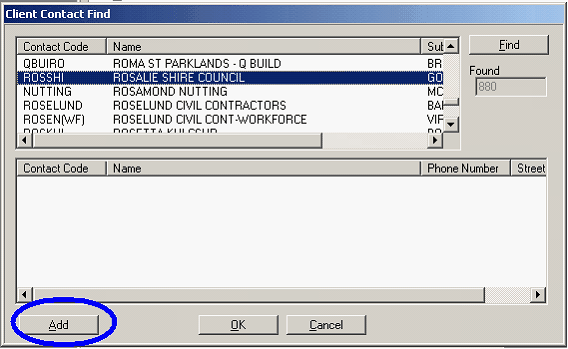
Once you find the company, left-hand click add, circled in blue.
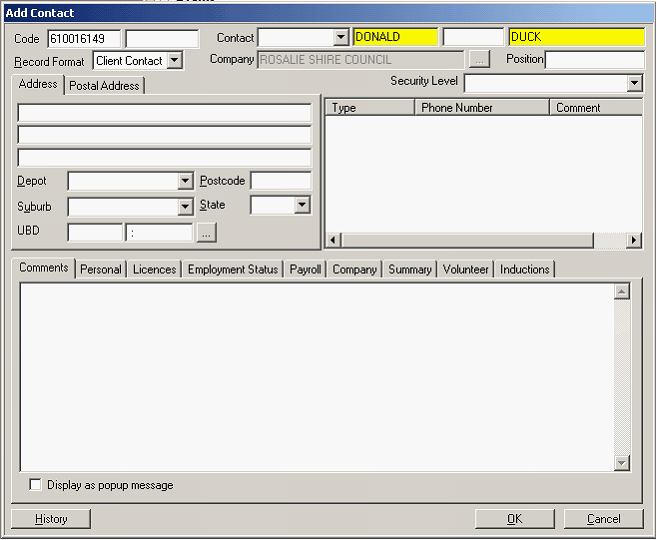
In the boxes coloured in yellow; first name in the first box and last name in the second box as above.
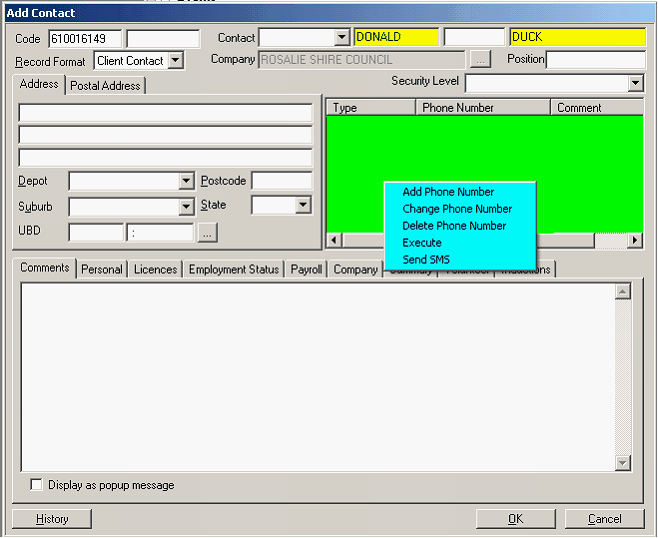
Right-hand click in the black box, shown above in green, the box in aqua appears. Choose "Add Phone Number".
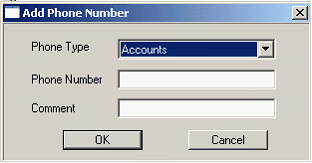
This box appears.
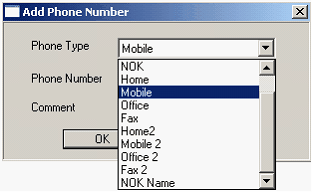
Use the small down arrow to the right of the "Phone Type" to choose which contact details he/she gives you. See below.
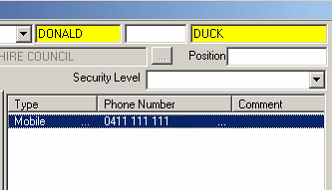
NB: You must always get a contact number and as much related information from the new company contact.
You will be able to book the job using this person as the contact now.